Phil.
Digitise and know more about your stamps
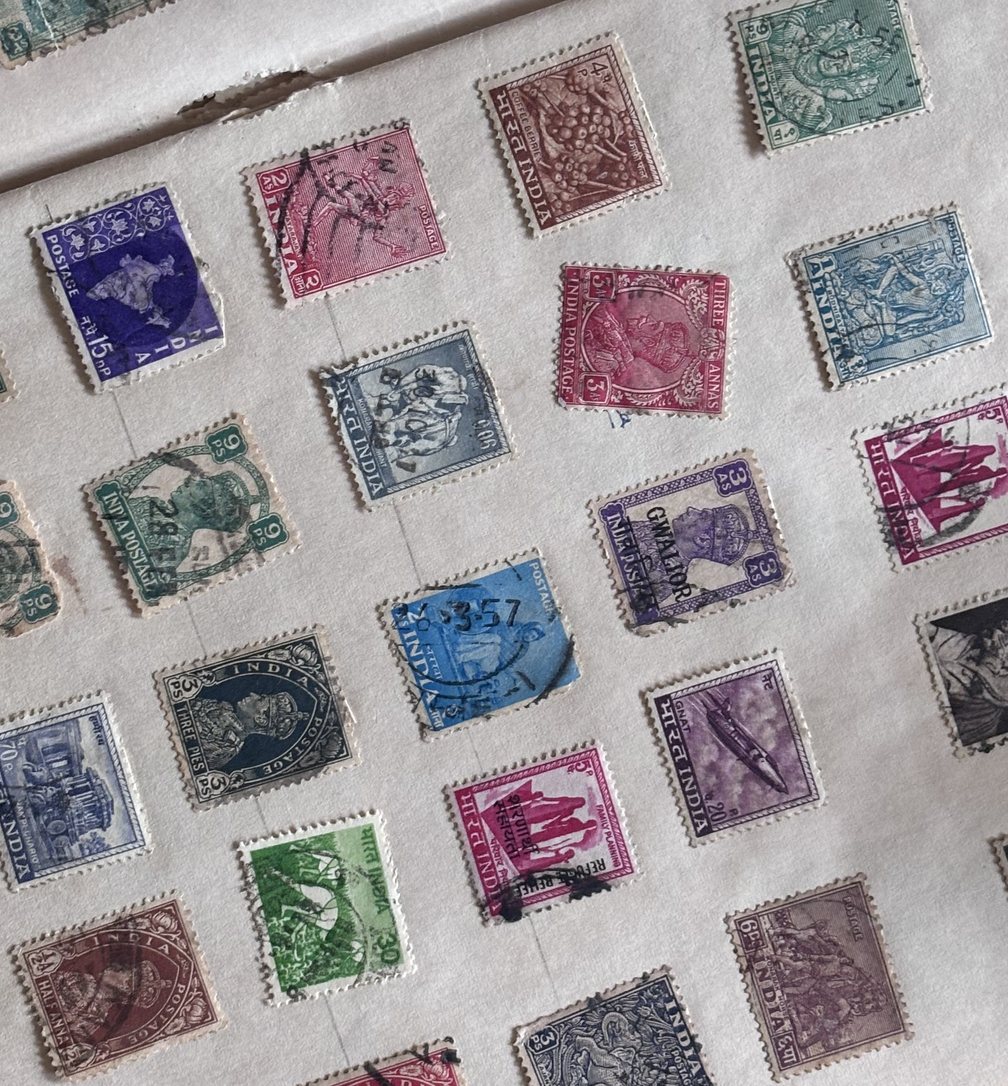
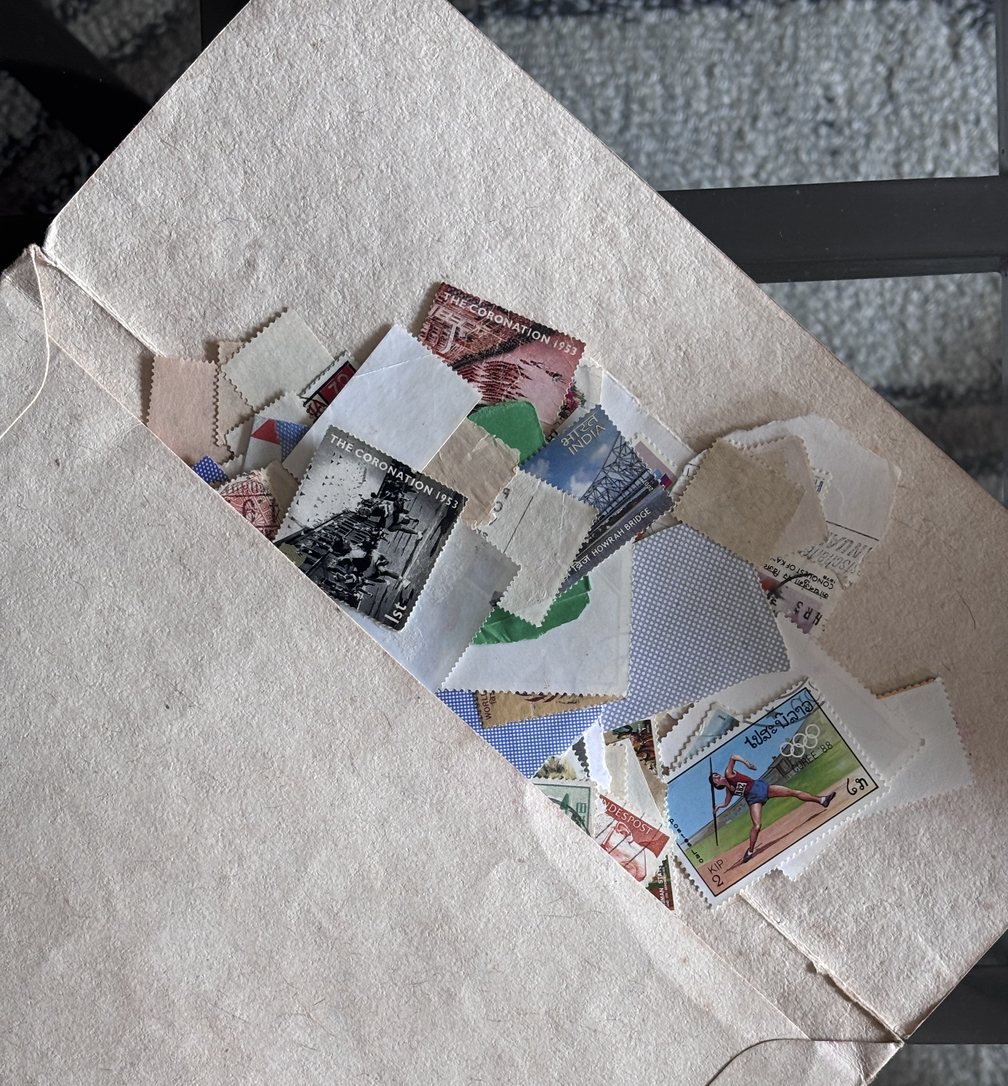
I came back home after a long time and, while rearranging my old cupboard, found my stamp collection.
My dad had given me what remained of his old collection, around 100 stamps, and over the years I had grown it to around 400–500. I had collected them for years without ever really organising them. As a kid, the goal was just to collect stamps from as many countries as possible.
This time I wanted to know more. Where they came from, how uncommon they were, what they might be worth, and which sets they belonged to.
So I started building Phil, an app where I could photograph a stamp, identify it, learn about it, and organise the collection into a digital album.
What it does
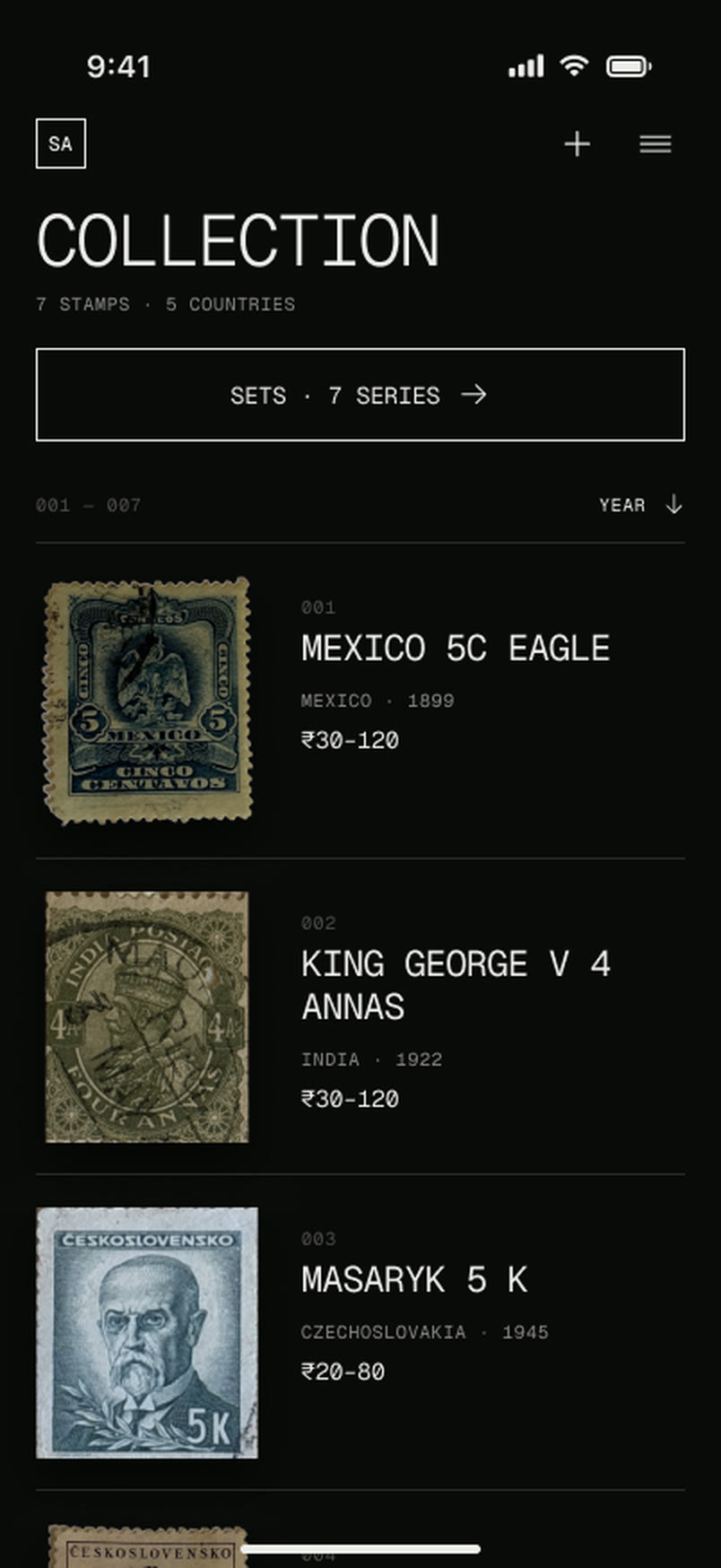
It is a simple application built in Xcode with Swift that helps me digitise my stamp collection and learn more about each stamp. The year, country, story, rarity and its price in the resale market.
The interaction is simple. You take a picture, Phil cuts the stamp out, gives you the details, and lets you add it to a digital stamp book if you want to recreate the collection you have physically.
01Photograph
Your phone’s camera
02Cut it out
Apple Vision, on the phone
03Identify
Claude, with Vision’s clues
Design and interactions
I am still adding interactions and animations while improving the accuracy of the details the application provides. I designed it with Claude, working with it inside Figma and referencing or describing the animations I wanted.
The design is kept simple and clean, drawing attention to the stamps themselves while still feeling on par with modern applications.
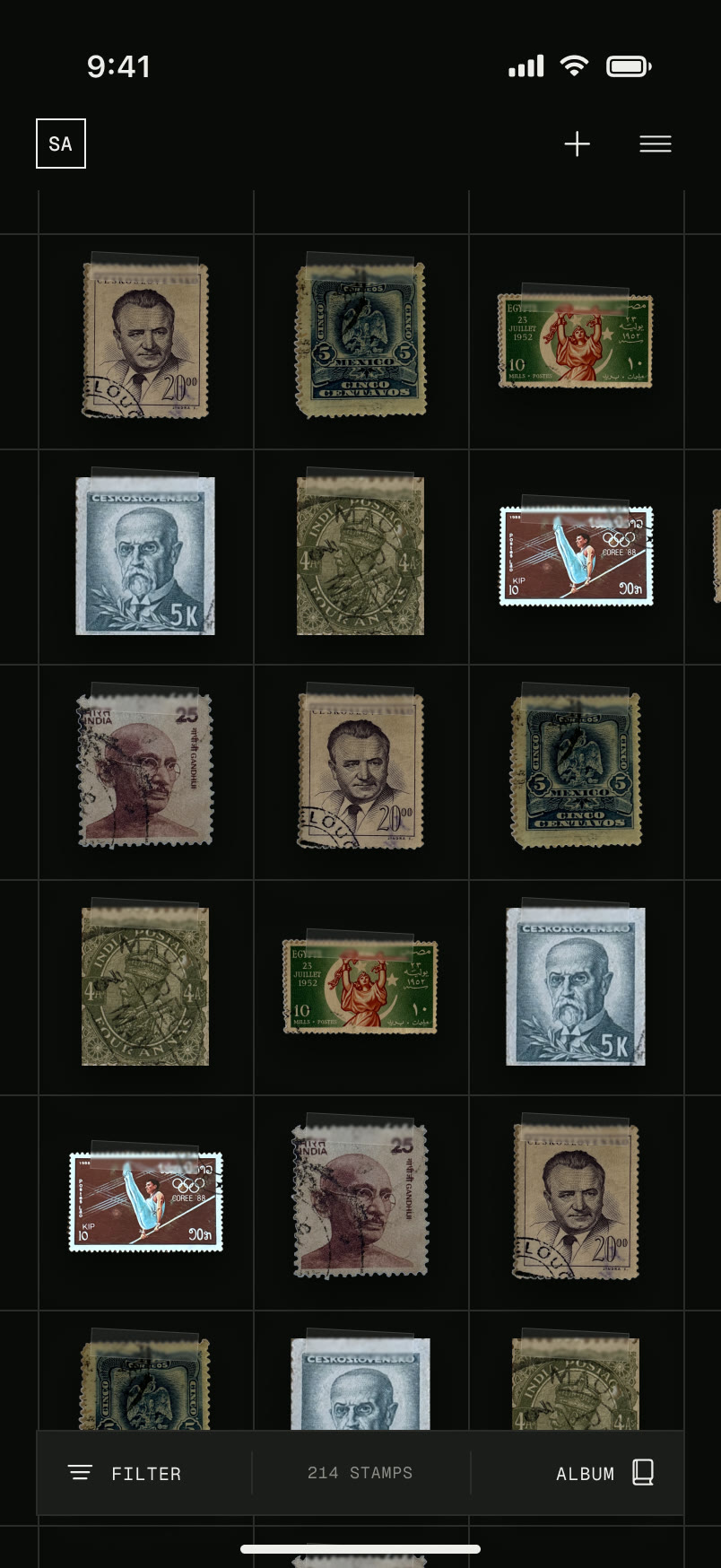
The stamps are shown across the UI with a small piece of tape, an ode to how people used to stick them into albums when my father was a kid.
I was also interested in which series the stamps belonged to, especially since I had some from the same sets. So I added series recognition and filing.
The digital album also helps me locate where a particular stamp sits in my physical album. I am still working on making that super easy to do.
There is a light mode, but if the perforations are not cut perfectly, the stamps get a little black around the edges. I am still working on fixing that.
I prefer the black background anyway, because the stamps really stand out against it.
Explorations
I found that moving from AI slop to a polished design with its own taste took dedicated time, mood-boarding, and building a vocabulary of design that LLMs could understand. I went through many iterations of layouts, colours and micro-interactions before the application started feeling like its own thing.
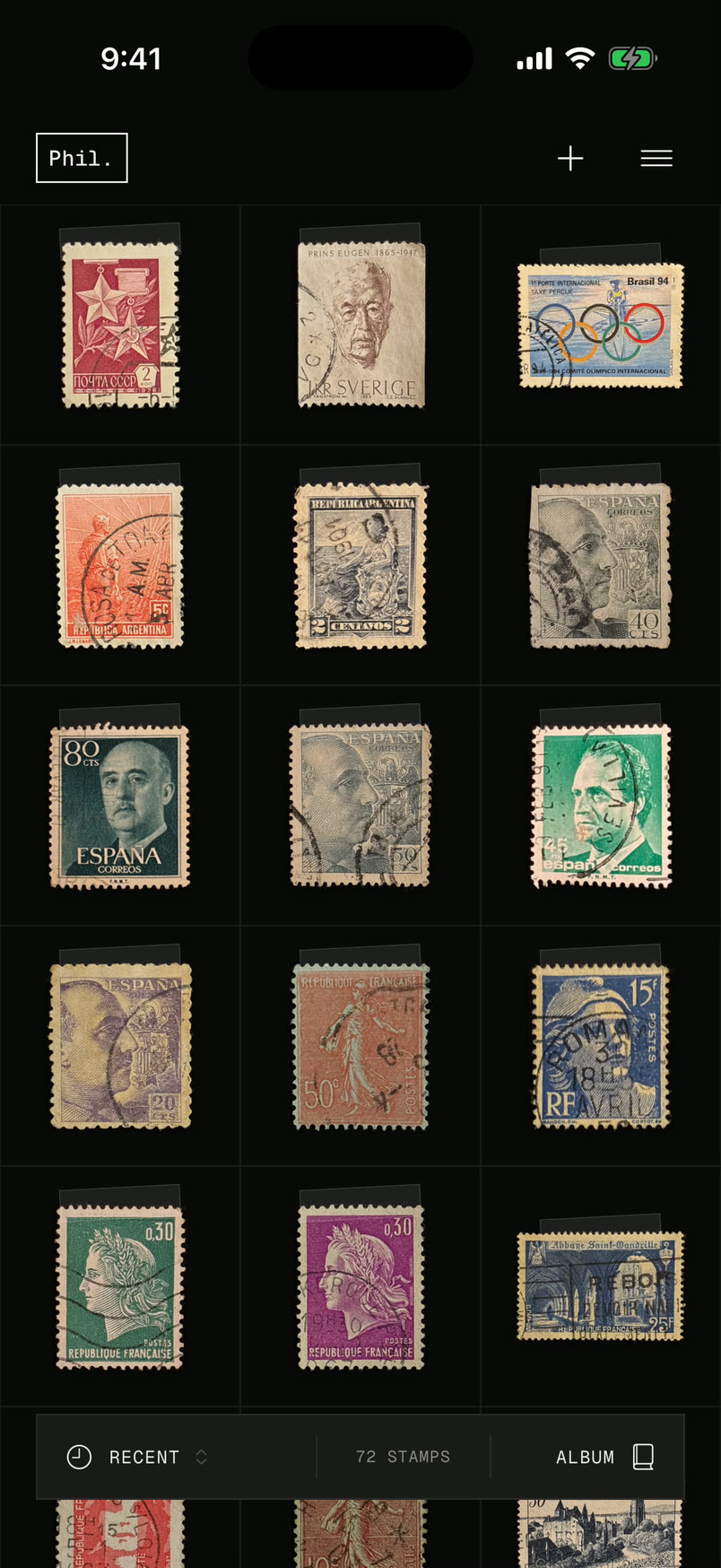
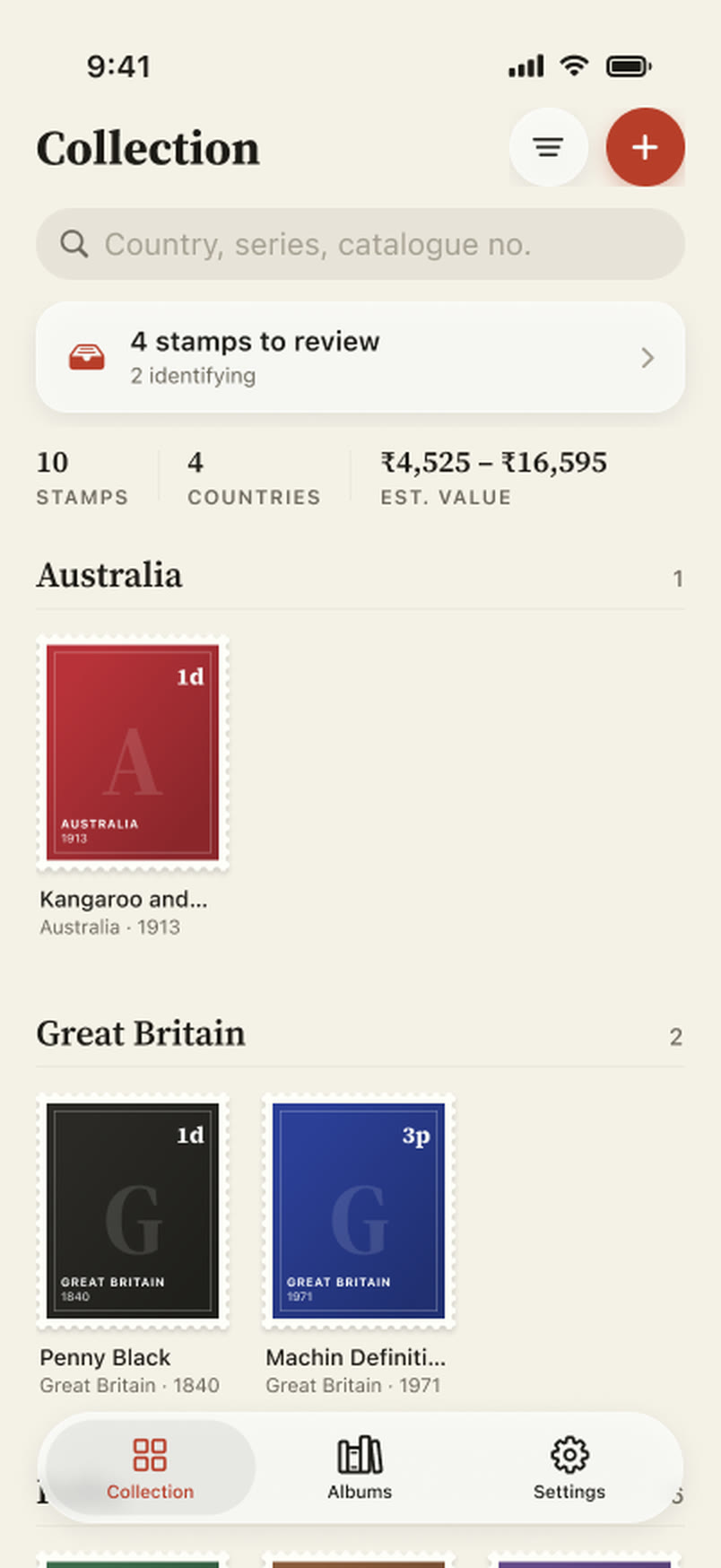
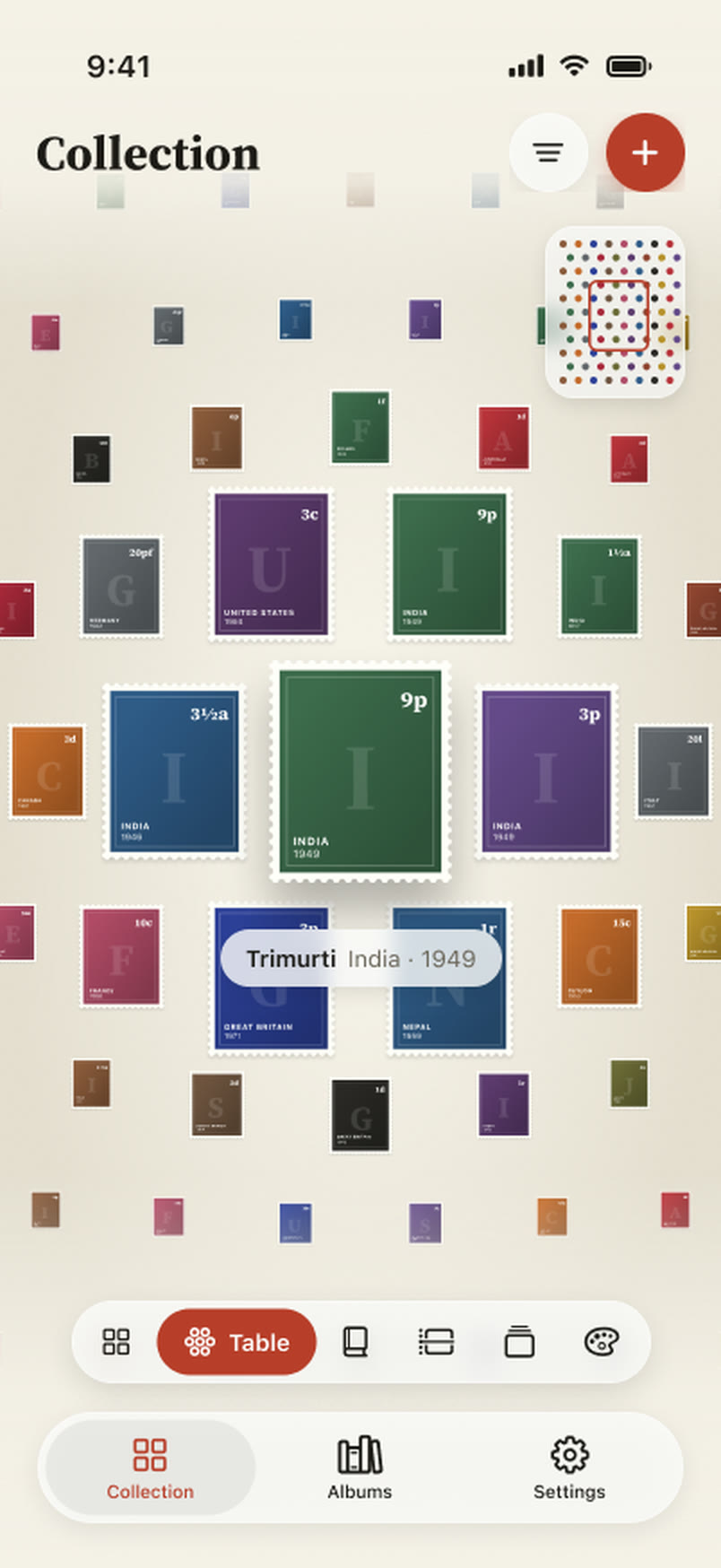
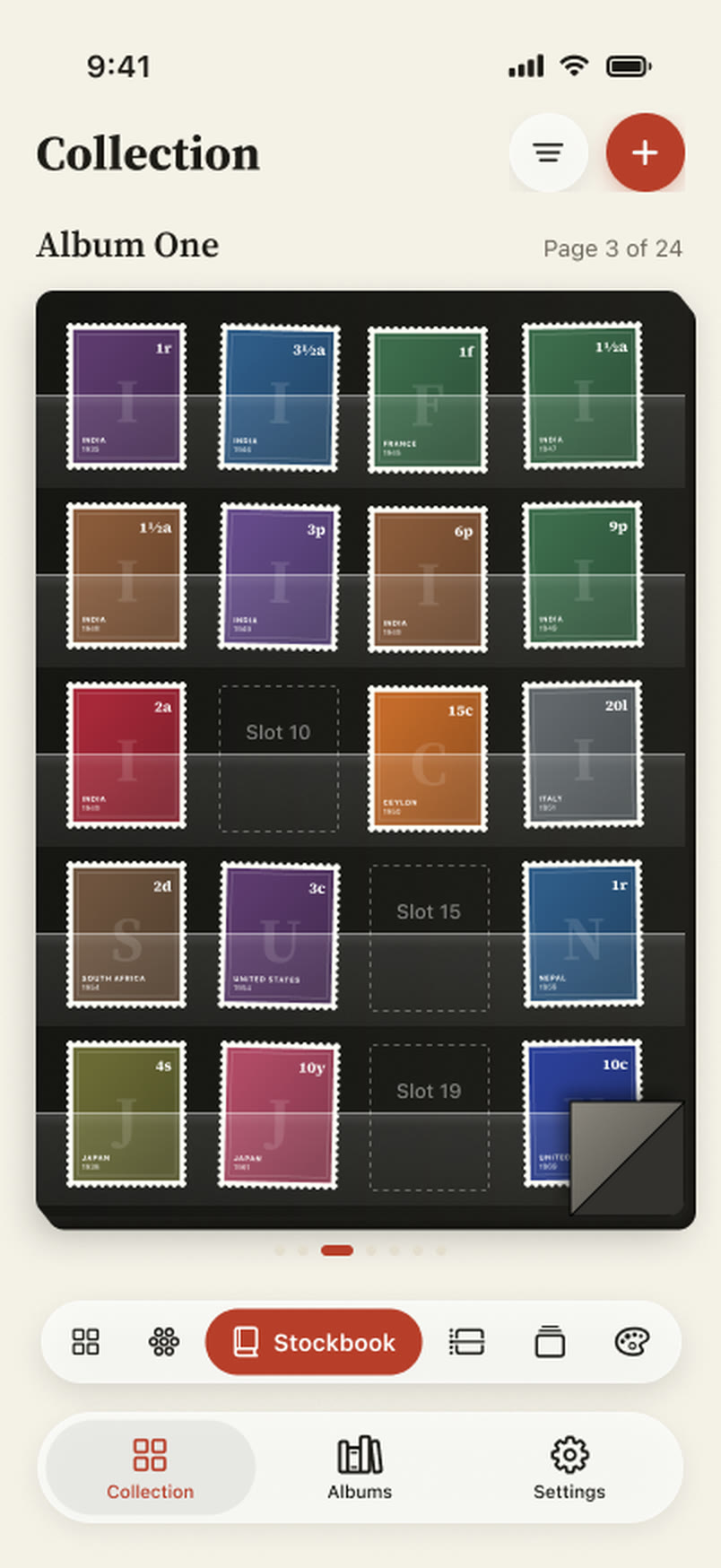
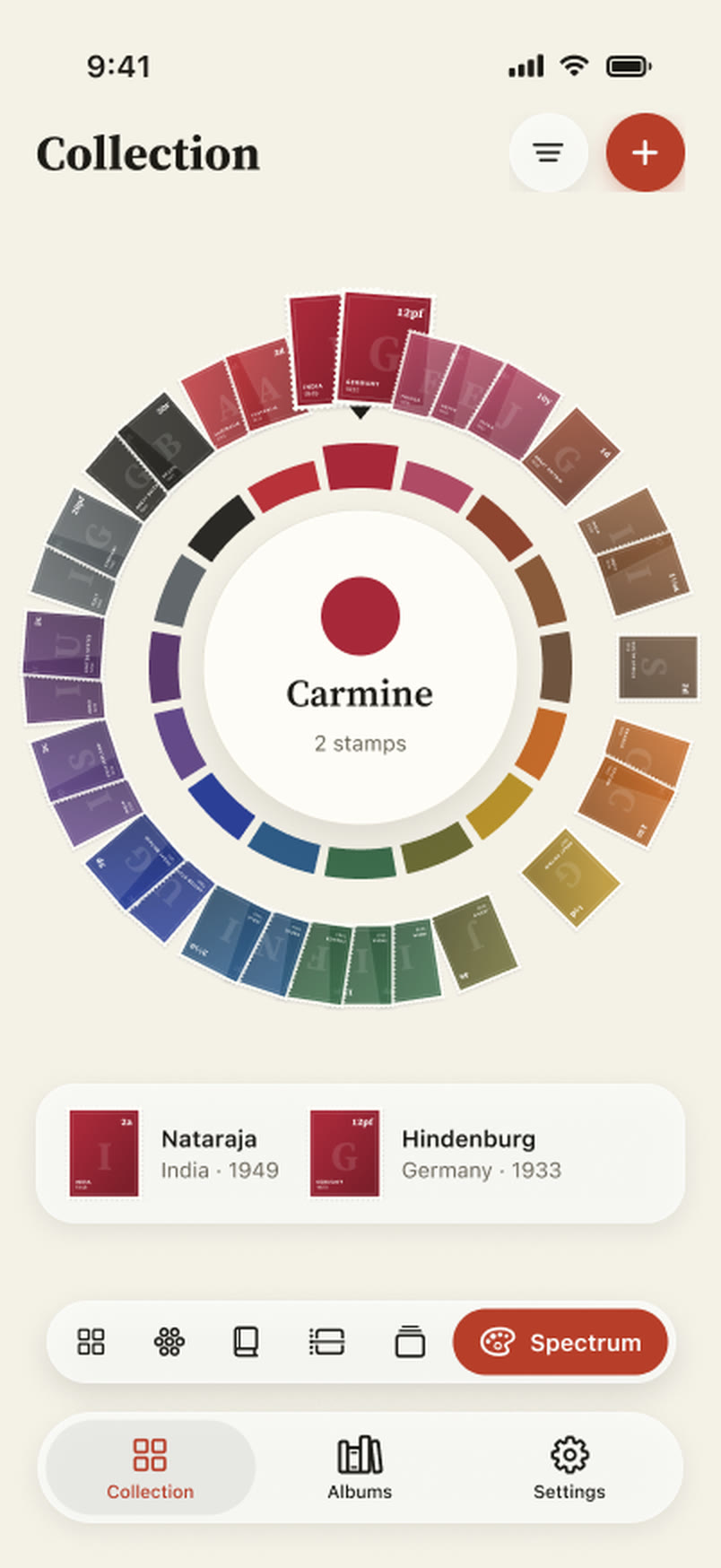
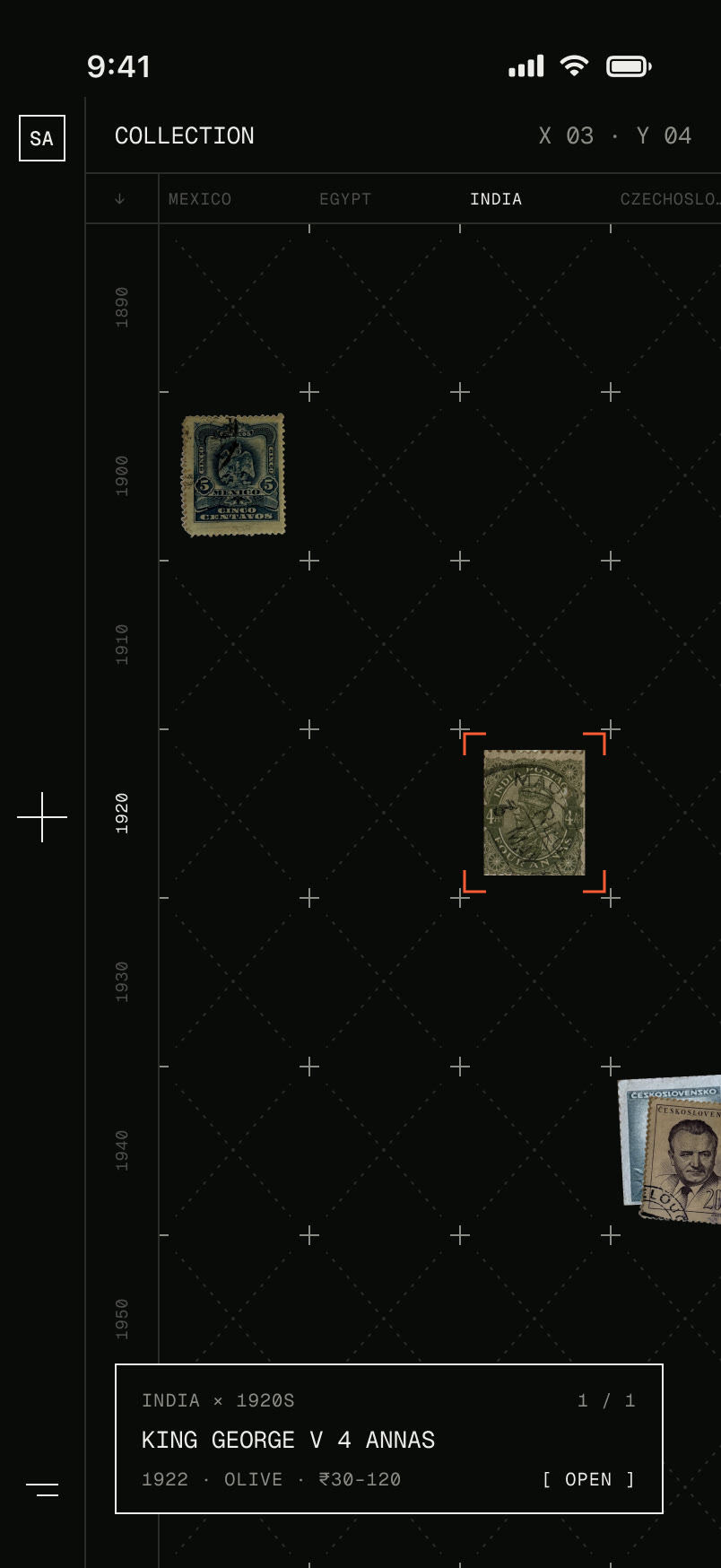
A lot of iterations went into the small animations that show the stamp being cut out and recognised. I eventually used a simple mental model, moving from unknown to clarity, hence the stamp going from pixelated to clear.
Updates soon!
Currently I am uploading the stamps (don’t worry, I have a bulk upload feature), and while doing that I keep finding room for improvement in flows and for small moments of delight. I am also planning to test it with other stamp collectors to see how they use it and what feels missing.
Hoping to launch on the App Store soon!