01Nothing much
It came from a personal need to change my default of saying “nothing much” every time someone asks, “What’s up?”. After three years of living in a city like Mumbai that stops for nothing and no one, and working in a high-paced environment, I wanted to feel myself moving through time, instead of feeling like time was moving through me.
Momentum respects the ephemeral quality of moments. You do not always have to add something to a moment. But you can.
02Look and feel
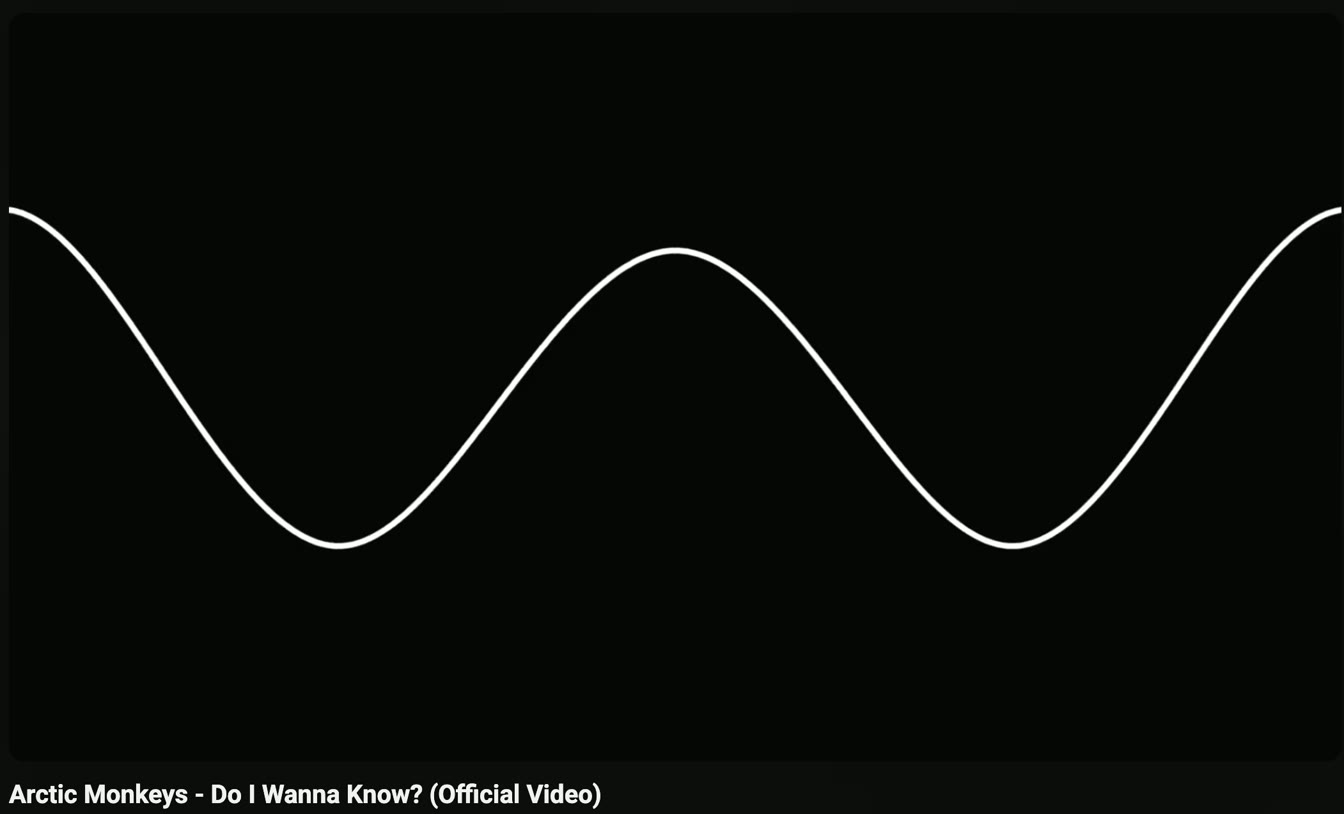
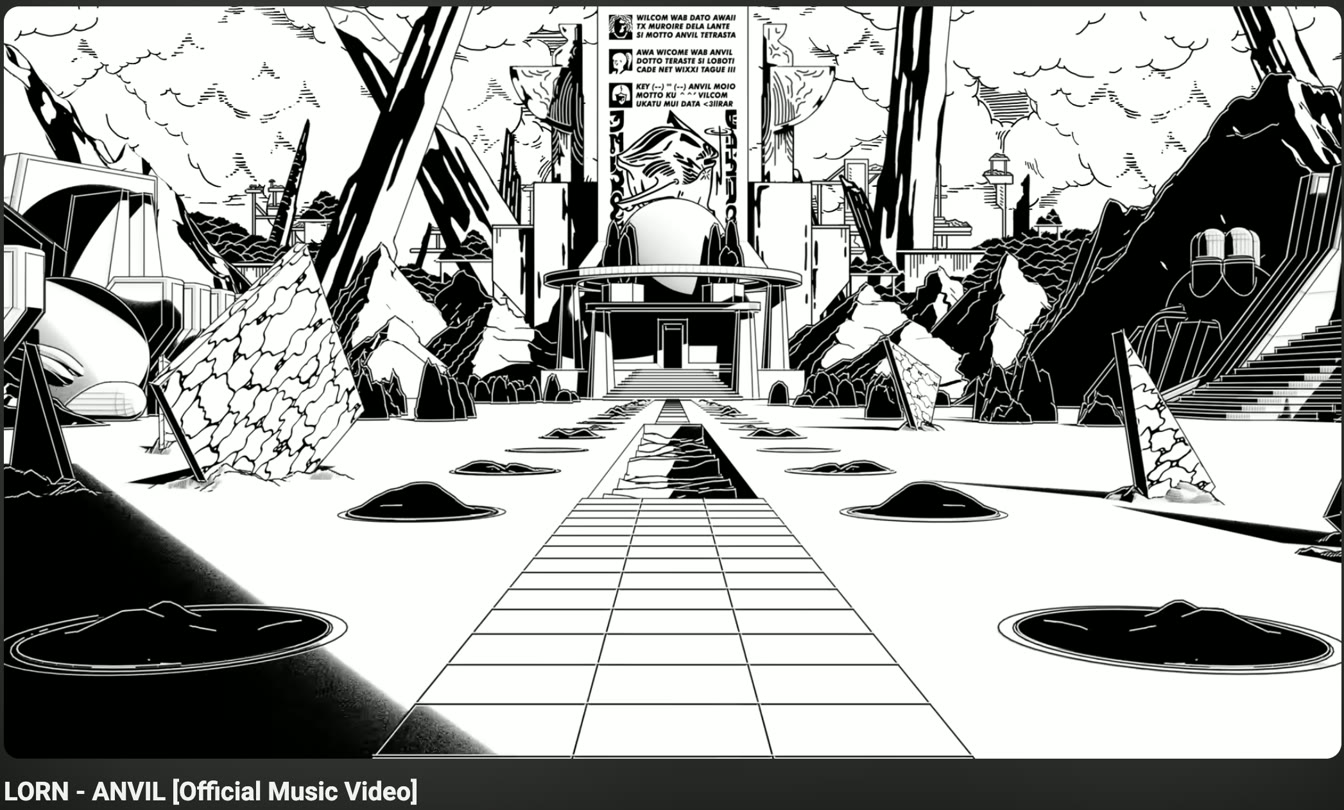
The visual language is inspired by two music videos I admire a lot, Anvil by Lorn and Do I Wanna Know? by Arctic Monkeys. So Momentum is black, white and grey, set in IBM Plex Mono. The only light on the screen is the line and the moments on it.
03One wave is one day
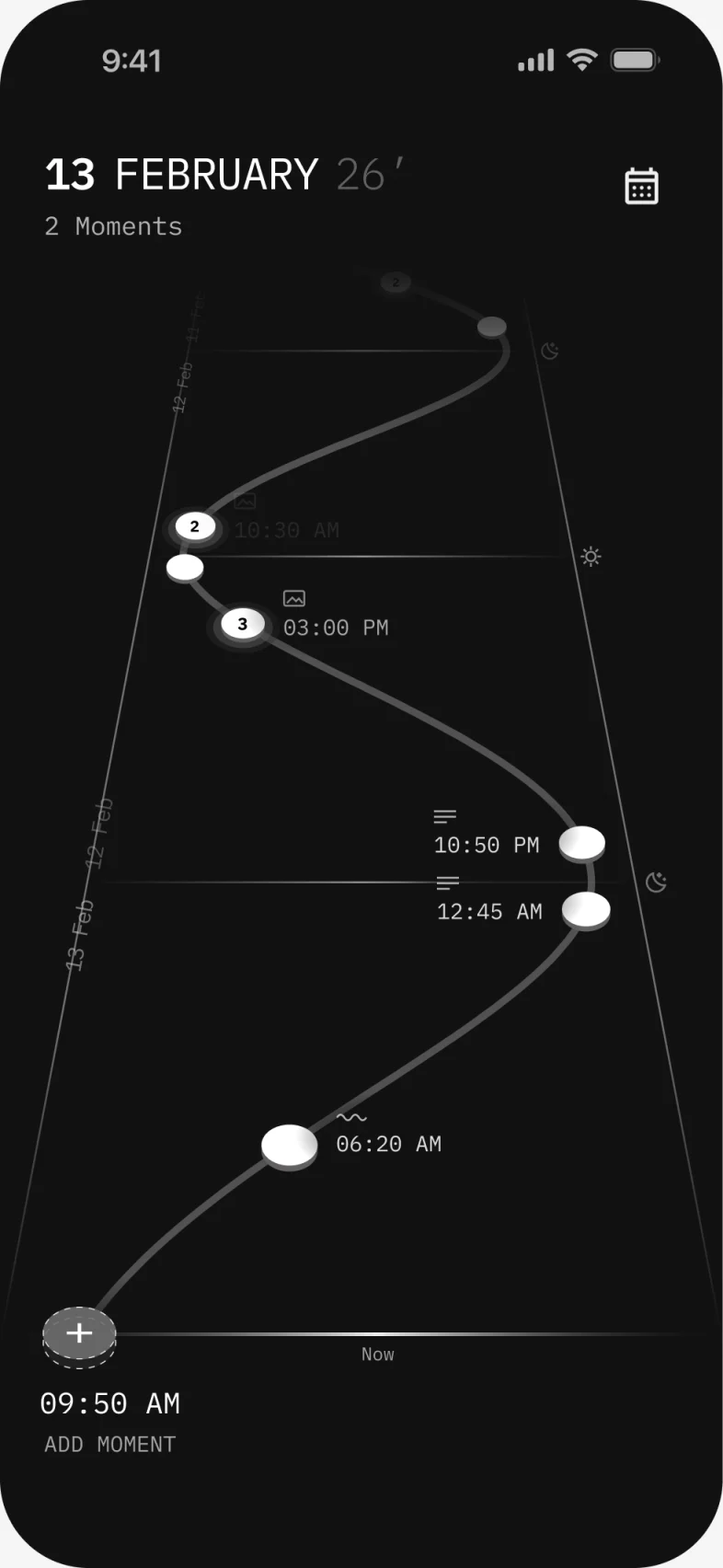
The sine curve represents day and night, with moments marked along it. One full wave is one day. Midnight sits on the right, under the moon, and noon on the left, under the sun.
You look back in time through a perspective view, intentionally going against the familiar behaviour of newer content moving downward in a feed. Now is at the bottom and the past moves away from you, so the interaction invites you to move up through the past few days and recall and remember these moments.
03.1Moments as discs
Each moment is a small white disc lying on this line, like a coin on a road. A small mark above the time says if something has been added to a moment, a wave for a voice note, lines for text, a frame for a photo.
03.2Scrubbing back
The line across the bottom is the marker of time. As you scroll, the curve slides toward you, a marker moves with it, and the time under the marker is where a new moment would go. So a moment I forgot to capture before can still be added.
Try it
Drag down on the screen, or scroll on it, to go back in time. A flick goes further than a slow drag. Tap Back to current time to come home.
04Capturing without asking much
A double tap on the back of your iPhone is enough to capture a moment, linking the moment to a physical action. It saves just the time. A photo, a voice note or a few lines can be added then, later, or never.
When adding from the application itself, the add moment can be tapped, with the option of adding a image, voice-note or text.
05Zoomed out
A zoomed-out view maps my moments over time. It’s a way to visualise the number of moments you captured and make out at a glance if there are patterns. You can go to a particular day, and revisit a moment.
06Life is happening
Over the two weeks I realised remembering times and moments is the real proof that we are moving with time. That was the happiest bit of the project.